Apple Watch Enhances Usability with New Gesture in watchOS 27
Apple's latest update for the Apple Watch, watchOS 27, enhances usability with a new tap gesture designed for those moments when you're busy with other tasks.
Introducing a New Tap Gesture to WatchOS 27
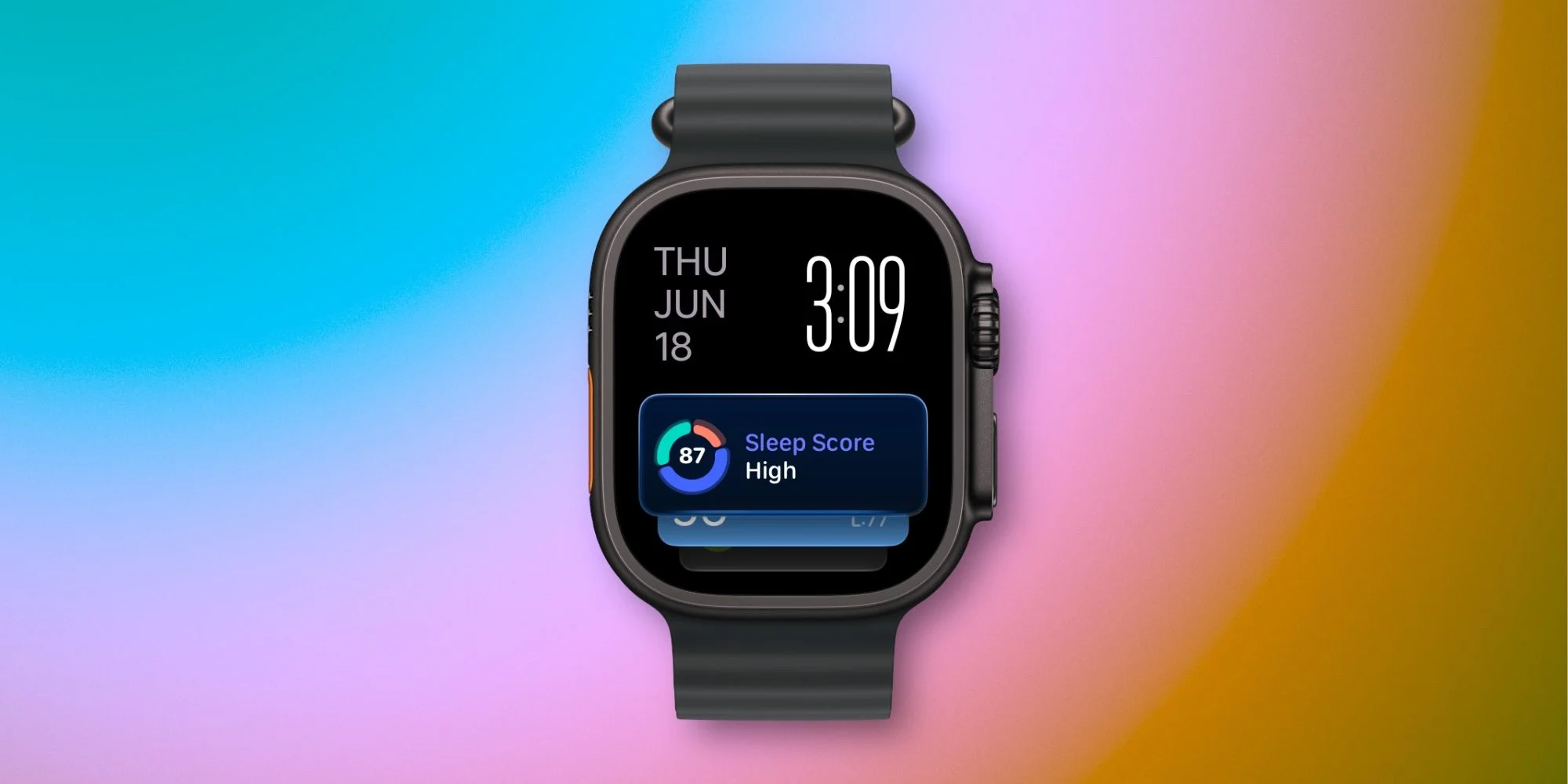
The update, available on the Apple Watch Series 9 and Apple Watch Ultra 2, builds on previous gesture functionalities launched by Apple. The introduction of a new single tap gesture enhances the accessibility of the Apple Watch interface, allowing users to interact with their devices in a more fluid manner. This includes an expanding array of gestures designed for a variety of tasks, proving that Apple is keenly aware of the multitasking demands of its users.
The double tap gesture was the first to arrive, allowing users to control playback, answer calls, and navigate the Smart Stack easily. This gesture has transformed how users generally interface with their watches. Instead of having to look at the screen and make direct, often cumbersome inputs, users can now manage content like music or notifications with a mere tap. This represents a shift in Apple's approach to user interaction, emphasizing ease and speed.
Last year, Apple added the wrist flick gesture, which simplified actions like dismissing screens and returning to the watch face. Each new gesture seems aimed at minimizing the steps required to perform common actions. The simplicity it offers can't be overstated—primarily when your hands are preoccupied. The introduction of the new single tap gesture is another clear indication that Apple recognizes the disparities in user circumstances.
With a simple tap of your index finger and thumb together, you can select a widget in the Smart Stack, unveiling pertinent information while your other hand is occupied.
A Closer Look at Gesture Functionality
It’s straightforward: this single tap gesture serves a distinct purpose compared to the double tap, yet works alongside it. The efficiency of this new gesture can’t be understated as it creates an intuitive flow with the watchOS interface. In a world filled with notifications and constant updates, having such intuitive control could be a lifesaver for busy parents, professionals, or anyone balancing multiple tasks. This is particularly relevant as smartwatch adoption continues to rise—if you’re working in this space, understanding these dynamics is key.
From my experience during the watchOS 27 beta test, I find this gesture complements the existing ones effectively. Initially, I viewed the double tap gesture with skepticism—perceived it as a bit of a novelty. Over time, however, it’s grown more reliable, proving itself as a vital part of navigating the Smart Stack when I’m unable to use both hands. That said, a more encompassing gesture set enhances not only the functionality of the watch but also its appeal to a broader audience.
Now, when I activate the Smart Stack with a double tap, a noticeable glow appears around the active widget, indicating readiness for a single tap to open the associated app. This visual cue is smart. It guides users, providing feedback that reinforces this intuitive interface, allowing for a smoother transition between tasks. You'll notice how readily Apple tries to bridge the gap between physical interaction and digital response, and this update is a testament to that commitment.
The entire gesture suite enhances interaction: navigate with double tap, select with a single tap, and switch back to the watch face using the wrist flick. This cohesive system means that whenever my hands are tied—whether I'm juggling kids or completing household chores—these gestures make accessing my Apple Watch more practical and efficient. It adds layers to the convenience factor that may not be visible at first glance. But once you start using them, you wonder how you ever got by without them.
Implications and Future Outlook
The addition of these gesture controls has significance beyond just usability. It signals Apple’s understanding of its user base and the various contexts in which people rely on their smartwatches. In a busy lifestyle, each tiny increment of efficiency can accumulate into significant advantages. While they may seem subtle, enhancements like these can transform user experience over time. Users learn to rely on these functions, creating a cycle of dependency that strengthens brand loyalty.
What this means for you is clear: as the capabilities of the Apple Watch expand, its functionality becomes increasingly integrated into daily life. Apple seems poised to continue refining these interactions, focusing on gestures that allow for ease in multitasking situations. The implications stretch far—as Apple makes these devices more user-friendly, it raises the competitive stakes for other smartwatch manufacturers who may find it challenging to match this level of intuitive usability.
Are you excited to try out the new tap gesture in watchOS 27? Share your thoughts in the comments!
Recommended Accessories for Apple Watch Users
- AirPods Pro 3 (now only $169, down from $249)
- Portable USB-C charger for Apple Watch
- Retro Mac stand for Apple Watch Nightstand Mode
- Anker 20W USB-C charging brick
- Metal adjustable link Apple Watch band