iOS 27.2 Adds App Controls, Message Suggestions and Apple TV Profiles
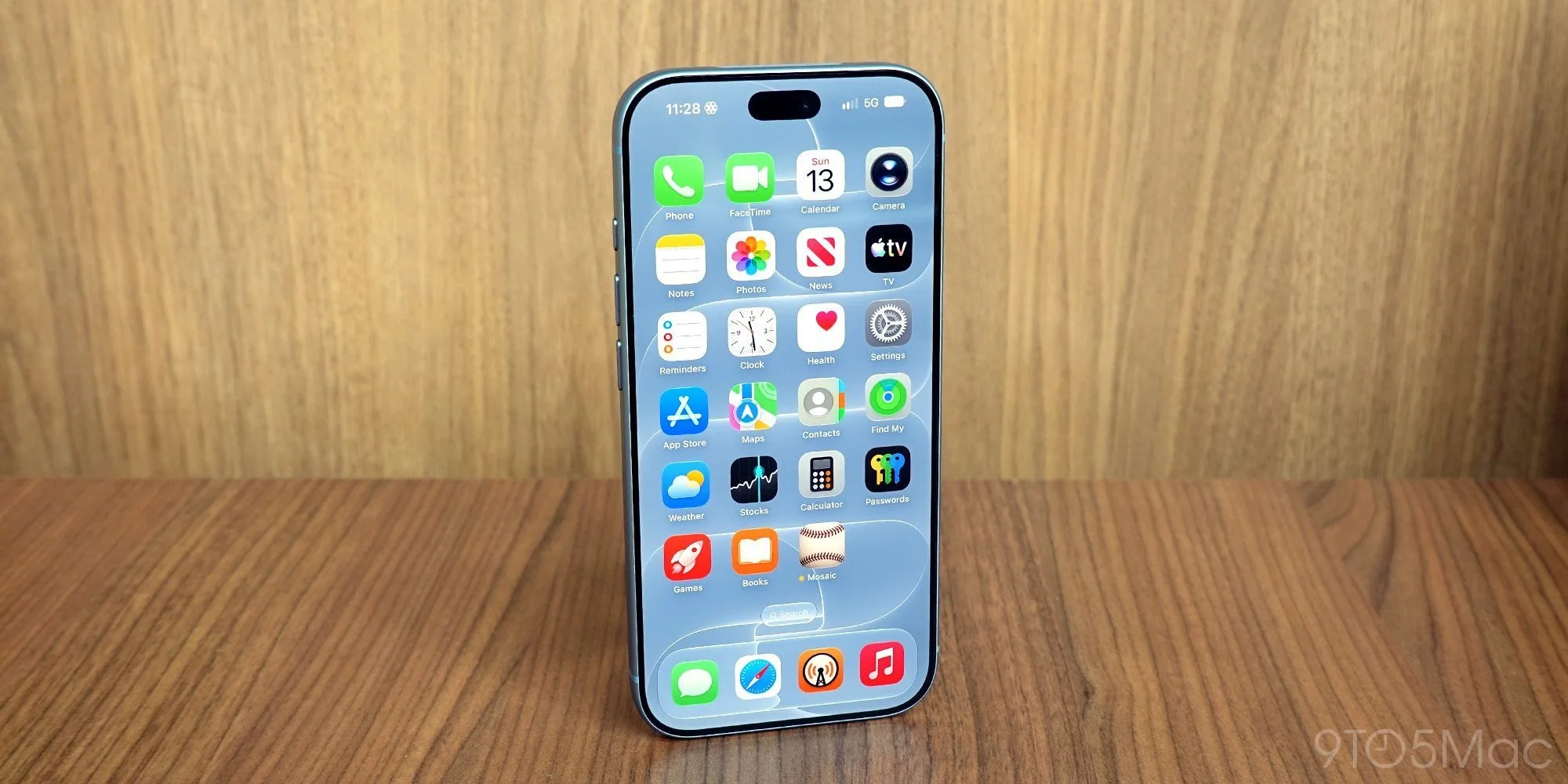
iOS 27.2 puts more control over recommendations and personal data in users’ hands. The update adds three practical settings: a way to keep selected apps out of Siri and Search, controls for suggested actions in Messages, and individual Apple TV profiles on iPhone. Each addresses a different point where software makes assumptions about what someone wants to see or do. The changes are modest, but they give users more ways to shape those assumptions themselves.
Keep selected apps out of Siri and Search

The new “Excluded Apps” section in Settings ⇾ Siri lets you prevent specific apps from appearing in Siri, Search and suggestions. Apple describes the setting this way:
Apps added to the list below will be excluded from Siri, Search, and suggestions.
That gives users a direct way to limit which apps Siri can surface. It could also help avoid mix-ups when an app’s name resembles another term or service. With Siri AI able to handle more requests, controlling which apps enter those results offers a useful privacy and accuracy setting. The practical benefit is that people can draw a boundary around an app without having to stop using it altogether. That’s a narrower control than disabling a broader feature, and it may suit people who want Siri’s help in general but don’t want every app feeding into the experience.
Here’s the thing: search and assistant results can feel personal even when they’re generated from ordinary app information. A work tool, a private journal, or an app used only occasionally might not belong in every suggestion. The setting doesn’t establish what information an app collects or how Apple processes it; the stated effect is that listed apps won’t appear in Siri, Search, and suggestions. That distinction matters. Still, being able to remove a specific app from those surfaces is a useful form of user control, especially when the alternative is accepting the same behavior across every app.
Choose which Messages suggestions appear

Messages can now detect relevant details in a conversation and offer an action beneath a message. A request for help, for instance, might prompt an “Add to Reminders” suggestion. The feature supports five categories:
- Add to Calendar
- Add to Reminders
- Add to Notes
- Show in Maps
- Flights and Packages
Users can turn off individual categories in Settings ⇾ Apps ⇾ Messages ⇾ Suggested Actions. That makes the feature easier to tailor: people can keep the prompts that fit their habits and remove the ones that add clutter. It’s a small but sensible choice, because a suggestion that helps one person organize a trip may distract someone else who simply wants to read a conversation. The category controls also mean users don’t have to treat every kind of prompt as one package.
This is more significant than it looks. Suggested actions sit close to the conversation itself, so their usefulness depends on timing and context as much as on whether the underlying detection works. A calendar prompt can save a step when someone is making plans, while repeated or poorly timed prompts can turn into visual noise. The update gives users a way to decide which types they want to see, though the listed controls don’t let them tune how often a category appears or change how Messages identifies relevant details.
And yet, the feature’s value is easy to judge in ordinary use: does it help you act on something in the thread, or does it interrupt the reading? If you’re someone who keeps tasks and plans inside Messages, the options may shorten a familiar handoff to Calendar, Reminders, or Notes. If you don’t use those prompts, switching categories off gives you a cleaner view. The choice is practical, even if it doesn’t answer every question about how suggestions are produced.
Apple TV profiles arrive on iPhone

Apple TV profiles have been available on tvOS, and iOS 27.2 brings them to the iPhone app. Each person can get recommendations matched to their profile and keep a separate “Continue Watching” queue. That means a shared account can support more than one person’s viewing history on the iPhone, rather than presenting a single blended set of recommendations and unfinished shows.
Profiles also support content restrictions for children. For households sharing an Apple TV account, the change makes it easier to keep viewing histories and recommendations distinct across devices. The everyday payoff is straightforward: one person’s choices are less likely to shape what another person sees, and family members can have separate places to pick up a show. Profiles don’t remove the need for people to choose the right account or profile, but they give the app a structure for separating those experiences.
A detail that can be easy to overlook: the feature’s usefulness depends on profiles being part of how a household actually uses Apple TV. If everyone already watches under one profile, separate recommendations won’t appear by themselves; people need to use the individual profiles. Still, bringing them to iPhone makes the separation available in the app people use on that device, instead of keeping the feature confined to tvOS. A better fit for shared accounts.
What these controls add up to
The three changes share a common idea: let people narrow or separate automated experiences at the point where they appear. Users can exclude apps from Siri and Search, select which types of Messages suggestions they want, and keep Apple TV recommendations and viewing queues tied to individual profiles. Those controls don’t make the systems smarter or explain every decision they make. They do give users more say over what shows up on screen.
That said, settings matter only when people can find them and understand their effects. These options live in different parts of Settings and address different services, so anyone looking to adjust all three will have to visit each area. The controls are specific enough to be useful, but they’re still settings users need to discover. A feature that’s technically adjustable can remain invisible to people who never encounter its menu.
For Apple, the broader product question is whether this kind of control keeps pace as recommendations and assistant features become more present in daily use. The update offers a few clear switches and profile choices; it doesn’t, on the information available here, provide a fuller account of how the underlying suggestions are generated. That leaves room for users to judge the results by experience. What this means for you is simple: if a prompt, search result, or shared viewing queue doesn’t fit your habits, iOS 27.2 gives you more ways to change what appears.
Together, these additions give iPhone owners more say over what Siri surfaces, which message prompts appear and how Apple TV organizes viewing. The gains are incremental, but they address common sources of friction: irrelevant results, prompts that aren’t useful to everyone, and mixed recommendations on a shared account. For more iOS 27.2 details, see the full guide.