Duolingo Introduces Undo Feature to Enhance User Experience
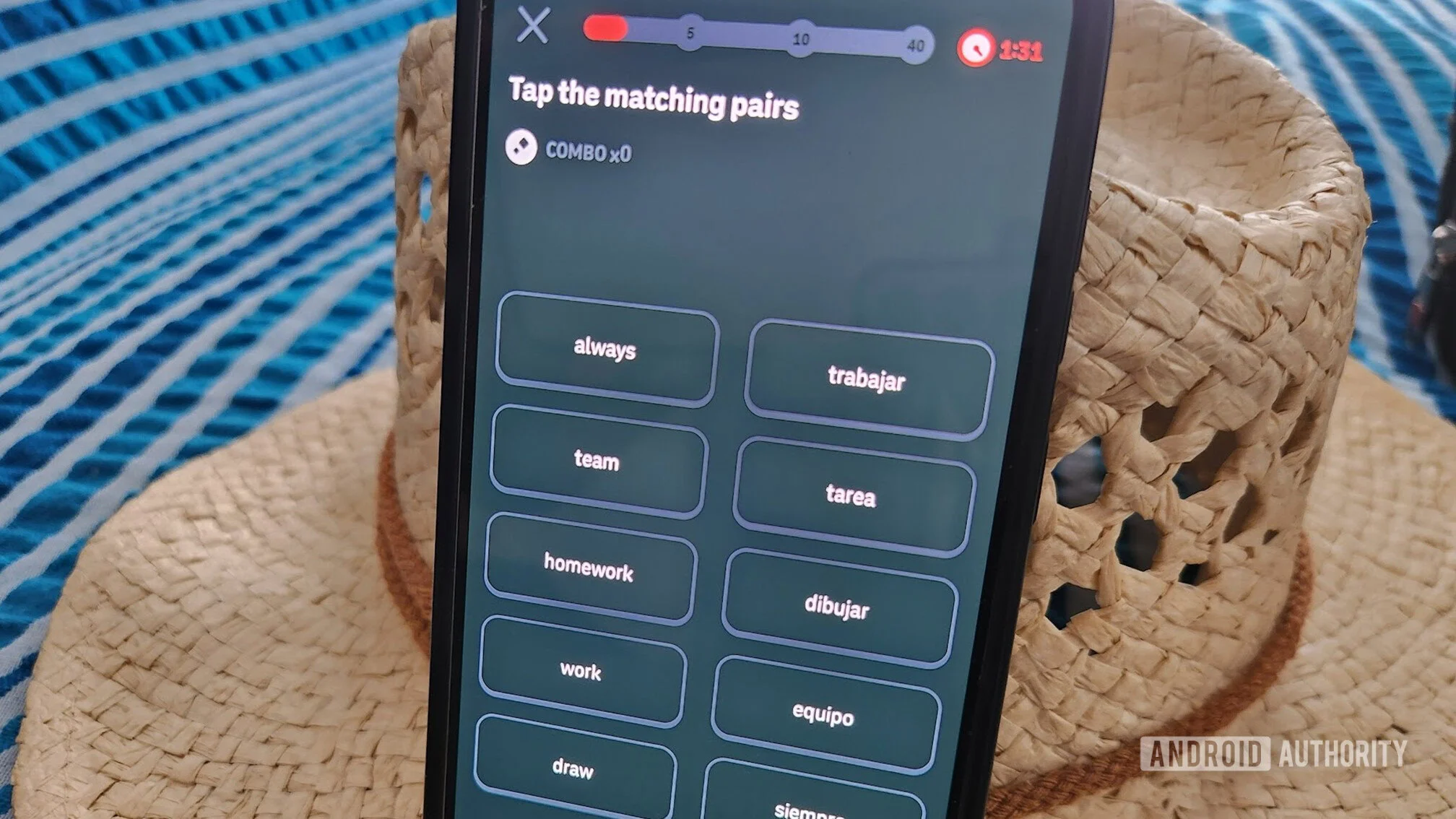
- Duolingo is adding an Undo button for users who accidentally skip speaking exercises.
- Reddit users are welcoming the change, with some saying accidental skips have been a recurring annoyance.
- The feature doesn’t appear to be available to everyone yet.
The Need for User-Centric Features in Language Learning Apps
Duolingo, a leader in the language learning market, is taking steps to enhance its app's usability by introducing an Undo button. This implementation aims to tackle a specific problem that many users have faced: accidentally skipping speaking exercises. In the digital age, where user engagement directly influences a platform's success, addressing even minor annoyances can significantly improve overall satisfaction.
Language apps like Duolingo have been at the forefront of utilizing gamified learning strategies to make acquiring a new language more engaging. Though this approach has been partly successful, user frustrations remain common. With feedback loops becoming integral to product development, Duolingo's decision to add an Undo feature reflects a growing awareness of user experience in product design.
The User Response: A Community's Voice
A recent discussion on Reddit brings the user community's perspective into focus. The excitement around the Undo feature showcases a proactive user base that feels empowered to voice concerns. A user even shared a screenshot illustrating the feature's functionality, igniting a wave of appreciation among others familiar with the issue of accidental skips. The responses highlight a collective acknowledgment: this small tweak could substantially affect their learning journey.
It’s compelling to consider how user feedback on platforms like Reddit has shaped app features in recent years. Having an active and engaged user community does more than serve as a feedback mechanism; it creates a dialogue that can swiftly influence product iterations. For Duolingo, welcoming this feedback is essential for maintaining its competitive edge among rivals like Rosetta Stone and Babbel, which also take user experience seriously.
The Rollout: Availability and User Accessibility
Currently, the feature's rollout appears to be selective, as many users still report not having access to the Undo button. This incomplete distribution raises questions about how feature deployment is managed on platforms with large user bases. App developers often can face challenges while executing widespread updates, an issue that reflects both technical capacity and logistical strategy.
What this means for users is a mixed experience; for those lucky enough to access the new feature, it signifies progress in responsiveness to user pain points. For others, it remains a wait-and-see situation. As digital platforms continuously iterate on their offerings, users can feel the pressures of FOMO (fear of missing out) concerning new features, which can lead to frustration if their app experience doesn’t align with their peers.
User Experience and Its Broader Impact
Efforts like Duolingo’s Undo feature represent a broader trend towards prioritizing user experience across tech products. As more digital entities evolve, balancing user demands with functional capability becomes crucial. In a market flooded with apps catering to similar educational needs, companies must adapt to remain relevant.
By incorporating features based on user feedback, companies can foster a sense of community while potentially reducing churn. If you're working in this space, you know that regularly responding to user grievances can set you apart in a crowded field. It shows that the company cares, making users more likely to stick around even when they encounter other issues.
Implications for the Future of Language Learning Apps
So, what does this mean for the future of language learning applications? The growing trend of iterative feature development based on user feedback could suggest a shift toward more personalized and adaptive learning experiences. If companies continue to refine their interfaces to help users navigate challenges more easily, the educational landscape could become increasingly accommodating for diverse learning styles.
This incremental approach could also influence how educational technologies are implemented in formal environments. As educators become more reliant on mobile technologies for language acquisition, a focus on enhancing user experience could lead to more effective learning outcomes.
And yet, while the Undo button signifies a positive step for Duolingo, it also highlights a requisite for continuous innovation. Simply offering a solution for one specific issue won’t suffice if users face new frustrations in their learning journey. Balancing frequent updates, user feedback, and feature richness will be crucial for Duolingo and similar platforms as they chart their paths forward.
In the end, while this initial move towards easing user frustration might appear minor, it sets a precedent that could have larger implications for app development standards in the language learning and education sectors. A small button with a significant impact.