Chrome's New Feature: Auto-Hiding Bookmarks Bar Based on Usage
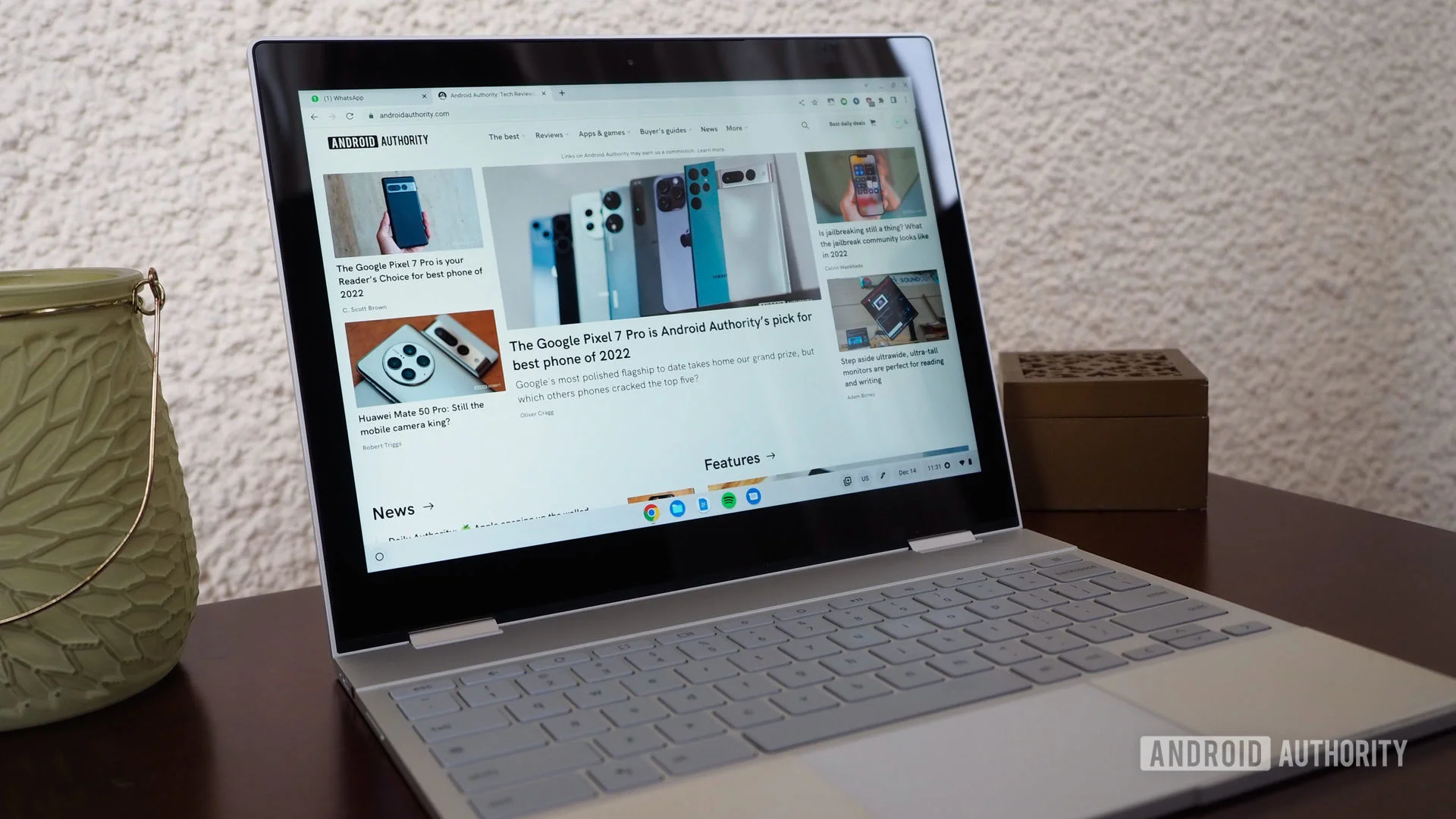
- Google is testing a new feature for Chrome.
- If you haven't used your bookmarks bar recently, it may auto-hide.
- The browser will notify you, allowing you to reverse the action.
Understanding Chrome's New Bookmark Feature
Google's Chrome team has its sights set on enhancing the user experience with a clever twist on the bookmarks bar functionality. According to a recent find by Windows Report, Chrome is developing a feature to automatically hide the bookmarks bar when it detects a lack of use. This move seems rooted in a desire to streamline browsing for users who may rely less on traditional bookmarking methods.
This auto-hide feature isn’t just a simple tweak; it reflects a deeper trend in software design that prioritizes minimalism and user engagement. In a landscape cluttered with information, creating a cleaner interface could potentially help users navigate more effectively. Users will receive notifications about this change, but whether it will resonate with everyone remains open to debate.
The Rationale Behind Hiding the Bookmarks Bar
The logic is fairly straightforward: if bookmarks aren’t being used, why clutter the screen with them? This principle aligns with industry-wide trends toward decluttering user interfaces, particularly in an age where digital tools often attempt to balance functionality and aesthetics. In practical terms, the more streamlined Chrome becomes, the less visual noise users have to deal with. But there's also a concern—what if a user suddenly needs to access their bookmarks? If they're not conditioned to notice a notification alerting them to the change, they might find themselves at a loss.
It’s also crucial to recognize that user behavior isn't static. Many users, especially those who primarily consume content on mobile devices, may not see bookmark bars as essential. With the dominance of mobile browsers, where screen real estate is at a premium, this feature might hold significant appeal. Nevertheless, it raises questions of whether a similar approach would alienate desktop users who heavily rely on bookmarks for navigation.
Industry Context: The Shift to Minimalism
This type of feature isn't entirely unique for web browsers. Many applications are now adopting approaches that emphasize streamlined user interfaces. Notably, Spotify and many mobile applications have long practiced minimalism, opting for user experiences that don’t overwhelm with options. They present only what is necessary, reducing distractions. Google's approach with Chrome mirrors this shift towards less clutter but also brings with it a trade-off: convenience versus simplicity.
There’s a delicate balance at play here. While the auto-hide feature may improve aesthetics, it risks frustrating users who may find themselves searching for a tool they initially dismissed. You can imagine a scenario where a user, accustomed to their bookmarks being visible, suddenly faces a blank space where their favorite sites used to be. This is the part most people overlook—but it could shape their interaction with the browser.
User Response: Anticipating Potential Pushback
Implementing this type of feature can't be done without directly addressing potential pushback from users. In the past, changes in popular software have been met with considerable resistance. For instance, Facebook’s numerous interface changes have often sparked backlash, as users quickly adapt to one layout only for it to be altered again radically. If Google doesn’t tread carefully, something similar could happen with this auto-hide option.
This sentiment is particularly relevant among long-time Chrome users who’ve grown accustomed to a certain workflow. If they’ve built habits around their bookmarks, suddenly having them concealed could disrupt their daily tasks. For developers, tracking feedback during the testing phase will be essential; if users feel they’ve lost a vital feature, it could lead to negative associations with future updates, further complicating user retention efforts.
Implications for User Experience and Browser Design
What does this mean for the broader internet ecosystem? If Google’s testing results favor the auto-hide feature, it could set a precedent for other browsers to follow suit. At first glance, it seems like a smart move to encourage more active engagement with bookmarks or push users toward other forms of organization, like browser tabs or even extension use. However, any widespread adoption could translate into an unwelcome trend where essential features become optional based on user activity—pushing toward a form of technological neglect.
One must consider the implications of this choice beyond aesthetics. There could be broader considerations for accessibility and efficiency. Users who depend on visual cues for navigation might find themselves at a disadvantage. Companies need to remember that during the design process, reserving the option for users to customize their experience could bridge the gap between minimalism and functionality. Users should feel they have control, with the ability to modify settings if they find them inadequate.
The Future of Browser Interactions
In the end, Chrome’s new feature may reflect just one of many changes to come in the future of browser interactions. As user preferences evolve and the demand for more intuitive designs continues to rise, features like the auto-hide bookmark bar may be just the beginning. It's likely that we'll see more browser companies experimenting with ways to declutter and refine user experiences. This wave of change will require careful consideration of user feedback and behavior patterns. After all, navigating between simplicity and utility is a path many will be keen to follow.