macOS 27.3 Public Beta Adds Safari Updates, Siri Actions and Markdown Previews
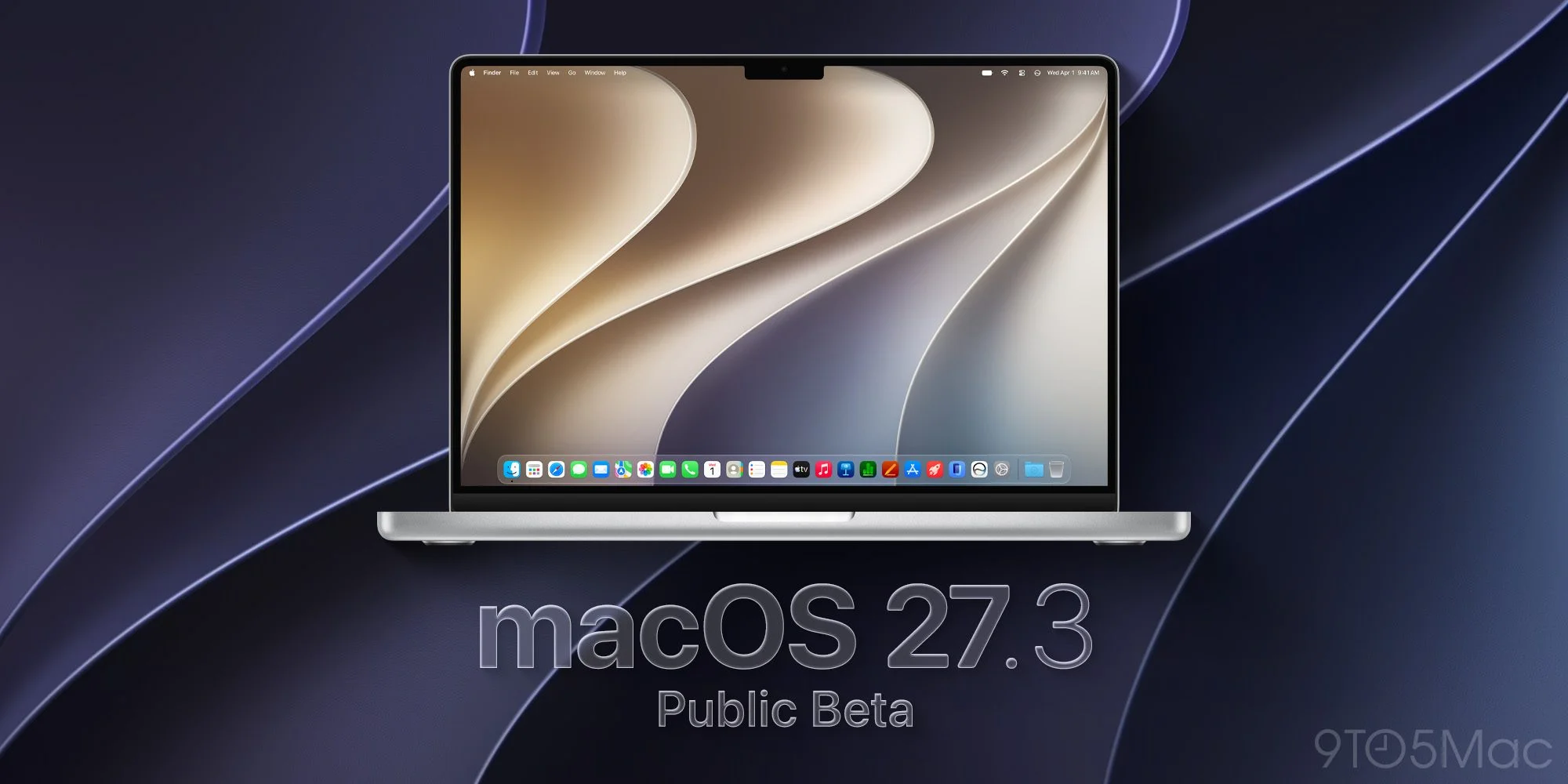
Apple’s macOS 27.3 public beta puts a cluster of practical changes into testing, from expanded Siri actions to a more capable Safari. The first public build, released after developer beta 1, carries build number 26C5035r, matching the developer release. That alignment gives public testers the same starting point as developers, though a beta build is still a work in progress: features may change as Apple gathers feedback and addresses bugs.
The release is notable for how many changes touch everyday work rather than system maintenance alone. Browser organization, document previews and assistant actions all sit within common workflows, so their value will depend less on a feature list than on whether they save time without adding friction.
Safari and Siri gain broader roles
Safari adds Vertical Tabs and Adaptive Dark Mode for websites. Vertical tabs change how the browser presents open pages, which may be easier to scan when a session contains many tabs or when their titles are difficult to distinguish in a horizontal row. Adaptive Dark Mode gives websites a dark appearance, extending the option beyond Safari’s own interface. How consistently that works across sites will matter: browser-level presentation is useful only if pages remain readable and behave as expected.
Users can also ask Siri AI to organize and manage tabs, bringing the assistant into a part of the browser that often requires hands-on sorting. That’s a plausible use for an assistant: turning a set of open pages into something easier to manage. But it also raises a practical question about control. People need to be able to understand what Siri changed and correct it easily, especially when a tab represents work they haven’t finished.
Siri’s language support expands to Traditional Chinese, Norwegian, Turkish and Vietnamese. Apple is also extending what the assistant can do in its own apps: the beta allows more complex actions in Messages, Music, Calendar, Photos and Reminders, along with file and folder management. Those capabilities could make voice or text requests more useful when a task involves several steps. The test will be whether Siri can interpret requests accurately enough to reduce effort instead of sending users back through menus to fix mistakes.
For third-party developers, Apple is introducing tools to define advanced Siri integrations with Markdown-based instructions. Those integrations can let Siri coordinate steps across multiple apps, which could make the assistant more useful for tasks that span different services. The idea is significant because an assistant’s usefulness depends on what it can do, not just how naturally it can respond. If you're working in this space, the developer tools are the change to watch: they may determine whether Siri’s expanded role reaches beyond Apple’s own apps.
Small workflow changes round out the beta
Quick Look can now display Markdown files with their formatting applied. That means a preview of a .md document shows the rendered text instead of its underlying Markdown syntax, a useful change for anyone who reviews notes or documentation without opening a dedicated editor. It removes a small but familiar interruption: users can check the content in place before deciding whether they need a full editing app.
There’s also a new screensaver, Pro Lighteensaver, based on the wallpaper introduced with the touchscreen MacBook Pro. It animates light across metallic-looking lines that spell “PRO.” This is a visual addition rather than a workflow change, and its appeal will depend on taste. Still, it shows the beta contains both practical refinements and interface details intended to give the system a more finished feel.
Apple adds checks for public iCloud links
The beta also introduces checks for potentially harmful material shared through public iCloud links. Files and photos shared with the “Anyone with the link” setting will be checked by Apple. The company may remove content it flags or take action against accounts that violate its policies. For people sharing files this way, the change makes Apple’s handling of public links more consequential: access depends not only on the link setting but also on the company’s review and enforcement.
That’s the part most people may overlook: a public link is convenient precisely because it can be opened by anyone who has it, and that wider reach creates different responsibilities for the service hosting the content. The beta announcement describes checks and possible action, but doesn’t spell out every detail of how users will experience those decisions. The practical effect will depend on how the process works in ordinary sharing situations.
What the beta signals for Mac users
Taken together, the release reaches beyond routine maintenance: Siri’s expanded app actions and developer tools are the most consequential changes, while Safari and Quick Look deliver more immediate workflow improvements. This is more significant than it looks. Apple is testing a broader role for Siri, one that connects the assistant to apps, files and browser tasks rather than limiting it to isolated requests. The promise is clear; whether it feels dependable in daily use remains to be seen.
And yet, the smaller additions may be easier to judge. Vertical tabs and rendered Markdown previews address specific annoyances, with clear ways for users to decide whether they help. Siri’s cross-app actions ask for more trust because users may not know what happened until a task is complete. A beta gives Apple a chance to refine that experience, but public testers should expect rough edges as they try these features.
Users can join Apple’s free public beta program at beta.apple.com. If you're considering it, the useful question is whether you’re comfortable testing unfinished software on the Mac you use day to day. For everyone else, the release offers an early look at the direction of macOS: more assistant-led actions, alongside smaller changes that make existing tools easier to use.
Worth checking out on Amazon
- Apple HomeView
- Apple TV 4K (2026) | Siri Remote (2026)
- Apple Watch Series 12 | Ultra 4
- AirPods Pro 3 | AirPods 5
- AirTag (2nd Generation) – 4 Pack
- MacBook Neo
- Logitech MX Master 4

FTC: We use income earning auto affiliate links. More.