iOS 27.3 Public Beta Brings Back Apple’s Redesigned Health App
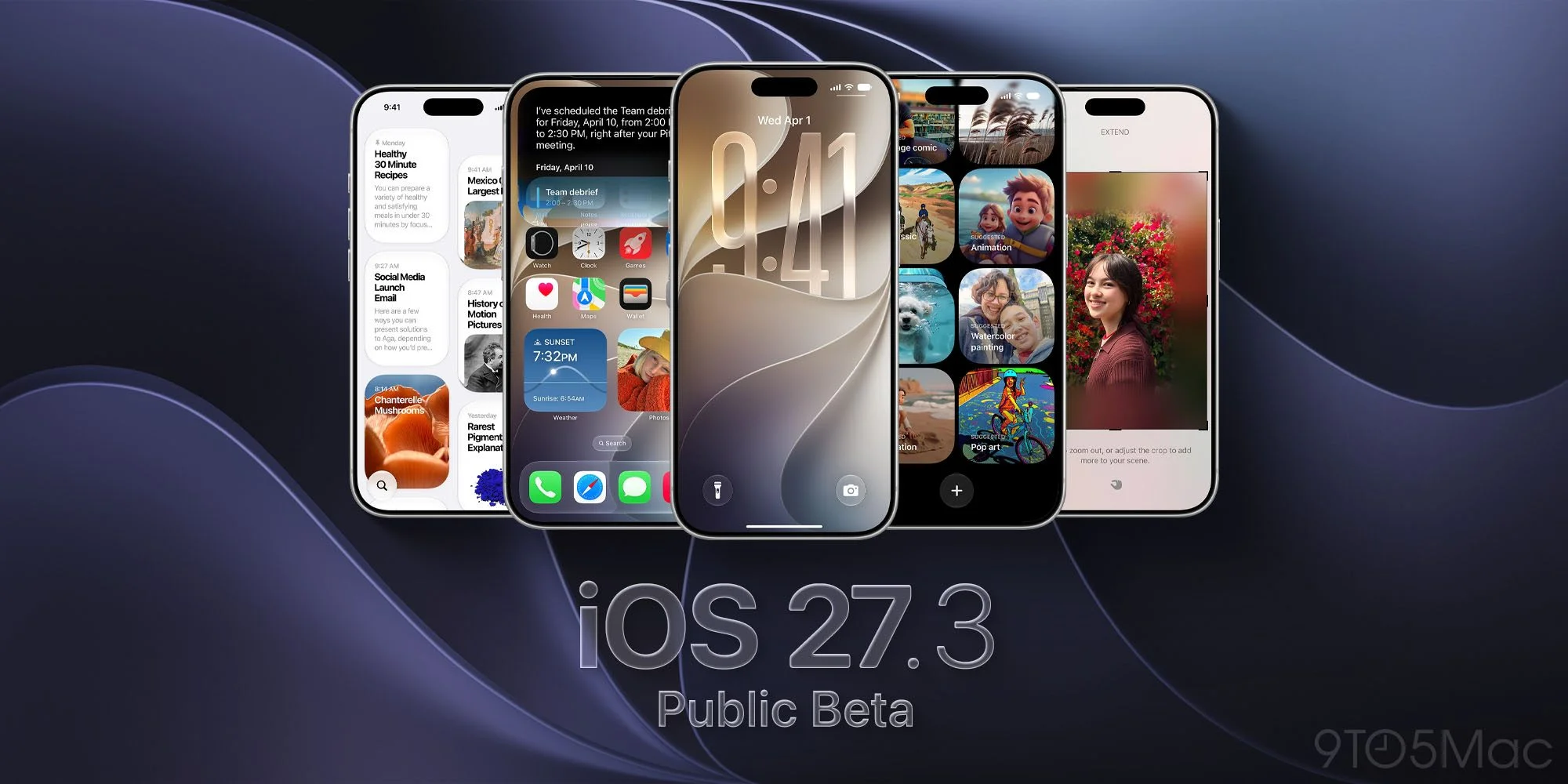
Apple’s first iOS 27.3 public beta puts the redesigned Health app back in play after it was missing from the final iOS 27.2 release. The update also broadens what Siri can do inside Apple’s apps and adds practical interface changes across Safari, StandBy, and iPhone Duo. Taken together, these features point to a release focused less on one headline capability and more on how people use familiar apps day to day.
That makes the beta notable, though not every addition carries the same weight. Health changes how information is organized and interpreted, while the other updates mostly add choices or reduce friction in specific tasks. Here’s the thing: those smaller adjustments can matter, but their value will depend on whether they fit naturally into routines people already have.
Health returns with personalized insights
The redesigned Health app is the update’s most substantial change. Apple first released the iOS 27.3 developer beta on November 3, and the Health redesign that appeared in iOS 27.2 testing is now included again. Apple has also announced expanded language support for the app, which could make its features more accessible to people who prefer to use Health in another supported language.
On iPhones that support Apple Intelligence, a new Insights tab pulls together patterns across areas such as sleep and activity. Rather than requiring someone to check each category separately, the tab is intended to present connections across recorded information. That kind of summary can help make a large set of measurements easier to scan, although an insight is only as useful as the data behind it and the way the app explains what it sees.
The Longevity tab adds Health Age, which uses Apple Watch data to compare a person’s health metrics with typical figures for their age. That puts more emphasis on interpreting trends and personal context, rather than simply presenting individual measurements. It’s a meaningful shift in presentation, but the feature should be understood as a comparison built from tracked metrics, not as a complete account of someone’s health.
This is more significant than it looks. Health apps often collect information in separate categories, and organizing those records into patterns changes how users encounter them. The challenge is making the interpretation clear without encouraging people to treat a broad comparison as a definitive judgment. Apple’s beta will give users a chance to see how the new structure works in practice.
Safari, Siri, and device controls get useful additions
Safari gains vertical tabs, which place the tab list along the side of the screen, plus Adaptive Dark Mode to darken websites that lack their own dark theme. These options give users more control over browsing layout and appearance. Vertical tabs may be useful when a person has several pages open and wants a different way to move among them; Adaptive Dark Mode addresses a separate annoyance, when a site’s bright appearance clashes with a dark system setting.
Those changes won’t transform browsing on their own. Their appeal is likely to vary with screen size, habits, and the websites someone visits. Still, browser controls are part of everyday use, so small changes can have an outsized effect for people who spend a lot of time in Safari. If you're working in this space, the useful question is whether these options make common tasks easier without adding another layer of settings to manage.
Siri can now carry out more tasks in Apple apps: it can create and save a playlist, schedule an iMessage for later, or start a Journal entry. The additions extend the assistant’s role from answering requests to completing actions across everyday workflows. That distinction matters. A voice assistant becomes more useful when it can finish a task inside an app, but the experience also depends on whether people can reliably ask for what they want and understand what Siri has done.
For iPhone Duo, Reachability shifts content toward either side of the unfolded display, making controls easier to reach with one thumb. The feature responds to a straightforward usability problem: a larger display can show more, while also leaving some controls farther from a user’s hand. The adjustment gives people a way to bring content within easier reach when holding the device one-handed.
Other iPhones also get more StandBy clock choices, including color and complication options. Apple Fitness+ adds Gym Strength, a four-week lifting plan tailored to a user’s goals and available equipment. The StandBy changes offer more room to personalize an always-visible display, while the Fitness+ program gives users a defined structure for strength training. Practical, if less headline-grabbing.
- Safari: Vertical Tabs and Adaptive Dark Mode add layout and display options.
- Siri AI: New actions in Apple apps cover playlists, scheduled messages, and Journal entries.
- iPhone Duo: Reachability moves content within thumb’s reach on the unfolded screen.
- StandBy: More customizable clock faces bring color and complication choices to other iPhones.
- Apple Fitness+: Gym Strength builds a four-week program around personal goals and available equipment.
See the full iOS 27.3 beta 1 roundup for additional changes.
What the update signals for everyday use
iOS 27.3’s mix of features suggests Apple is trying to make its existing services feel more connected to routine tasks. Health gathers and interprets information, Siri takes action inside apps, and device controls adapt how content appears or can be reached. The pieces serve different purposes, but they share a focus on reducing the steps between a user’s intention and an app’s response.
And yet, a beta is a preview, not a guarantee that every feature will feel finished or work the same way for every user. Some capabilities depend on supported hardware, and the Health Insights tab specifically requires an iPhone that supports Apple Intelligence. The practical value of these additions will come down to details users can judge for themselves: whether summaries are clear, voice requests work as expected, and interface options are easy to find.
(And this is the part most people overlook.) A collection of modest changes can still shape how people use a phone, especially when those changes appear in apps they already open every day. But a longer feature list doesn’t automatically make an update compelling. The numbers here are underwhelming in the sense that the release offers no single sweeping change; its case rests on the combined usefulness of its smaller additions.
Installing the public beta
Back up your iPhone before installing the beta. Beta software is intended for testing, so keeping a backup gives you a way to preserve your information if you decide the experience isn’t right for your device. You’ll also need to enroll in the free Apple Beta Software Program using the Apple Account on your device.
In Settings, open General > Software Update > Beta Updates and choose iOS 27 Public Beta. Return to Software Update and tap Update Now when iOS 27.3 appears. If your iPhone is already on the public beta track, check Software Update for the release. The process is direct, but the choice to install a beta is best made with a backup in place and a clear sense of which new features you want to try.