Galaxy Watch App Launch Bug May Have a Wear OS 6 Fix
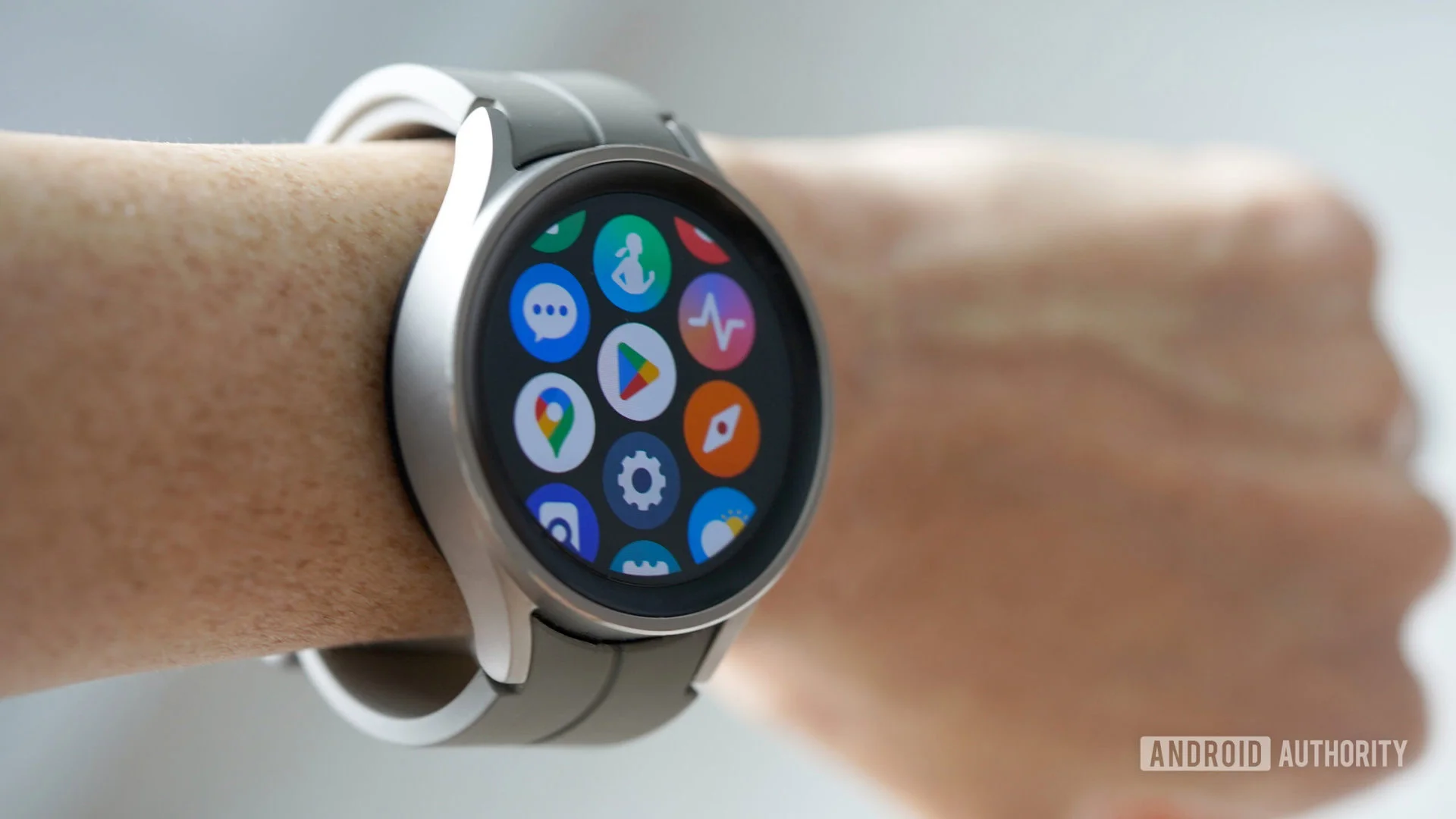
Some Galaxy Watch owners can’t get certain apps past their opening screen, turning a brief launch delay into a complete block. A Galaxy Watch 8 Classic user reported on Reddit that Gmail, Google Calendar and WhatsApp show their splash screens for several seconds, then drop back to the app drawer.
When an app opens but never becomes usable
A splash screen usually signals that an app is starting: the watch has accepted the launch request and is trying to load the interface. Here, the reported behavior ends abruptly. Instead of reaching an inbox, calendar, or chat screen, the app disappears and the user is returned to the drawer. That distinction matters. A slow load can be frustrating, but a repeatable return to the app list turns the software into something the owner can’t use at all.
The report names three familiar apps, which makes the problem more notable than a failure confined to one obscure tool. Gmail, Calendar, and WhatsApp serve different purposes, but all need to get past their initial startup before they can show useful content. A shared failure pattern could point toward a problem in the watch’s software environment rather than three unrelated app features breaking at once. It doesn’t establish that explanation, though; one user’s report can’t show how widespread the behavior is or identify its cause.
There’s also a difference between an app crashing after it has opened and one failing during launch. A crash can happen in response to a particular screen or action. A launch failure happens earlier, before the user can do much to narrow down what went wrong. That leaves owners with fewer clues. They may see the same short sequence—splash screen, pause, app drawer—without knowing whether the fault lies in the app, the operating system, or some interaction between them.
A memory issue may be behind the failures
The reports point to a possible Wear OS 6 bug: “ghost” threads may remain stuck in the watch’s memory and prevent apps from opening. The failure is more disruptive than a malfunctioning feature because it blocks access to the apps altogether. There may already be a fix available, though the reported cause and remedy have yet to be confirmed.
In broad terms, a thread is a unit of work an app or system can run. Apps often need several pieces of work to happen as they start, such as preparing an interface and retrieving information. If some work is left in an unexpected state, a later launch may not proceed cleanly. That general model helps explain why a memory-related problem could affect startup, but it doesn’t prove that “ghost” threads are responsible here. The description is a proposed explanation, not a confirmed diagnosis.
Wearable devices also operate with tighter practical limits than a phone or computer. Their small screens and compact interfaces don’t mean the underlying software has no moving parts: apps still have to start, handle data, and respond to the operating system. When a device has limited room for active work, a stuck process or thread could matter more than it would on a system with greater headroom. That’s a general consideration for this category of device, not evidence about the precise memory available on this watch or the amount used by these apps.
Here’s the thing: the possible memory explanation is plausible enough to investigate, but it shouldn’t be mistaken for a fix announcement. The report doesn’t establish whether restarting the watch, closing apps, changing a setting, or installing an update resolves the failures. Those are common troubleshooting approaches for software that won’t launch, yet recommending one as a confirmed remedy would go beyond the information available.
Why several apps failing together matters
When unrelated apps show similar symptoms, the shared parts of the system become natural places to look. Apps on a smartwatch rely on the operating system to launch and provide access to device resources. If that shared layer is misbehaving, separate apps could fail in a similar way even if their own features are unrelated. This is one reason a report involving multiple apps can be more useful than a single isolated crash: it gives investigators a pattern to compare against other reports and device behavior.
But there are other possibilities. Apps can have their own bugs, and a symptom that looks alike to the person using the watch can arise from different causes. The report doesn’t tell us whether the affected apps were updated together, whether the issue began after a system change, or whether other Galaxy Watch models are affected. Without those details or a confirmed reproduction, the safest description is a reported launch problem with a suspected system-level cause.
That uncertainty is common in early reports about device software. A post can surface a useful lead quickly, but it usually lacks the controlled comparisons needed to separate a broad platform defect from a narrower issue. Similar systems typically need repeatable steps, logs, or reports from multiple devices before a specific cause can be pinned down. And this is the part most people overlook: a plausible explanation can spread faster than the evidence needed to verify it.
What affected owners can watch for
If you're working in this space, the useful questions are practical: do the same apps fail repeatedly, does the behavior persist after a restart, and do other apps launch normally? Those details can help distinguish a broad startup problem from a failure limited to particular software. They’re also the kind of observations that make a report more actionable for support teams. The available account doesn’t answer these questions, so it can’t yet tell owners what to expect.
For users, the immediate impact depends on which apps are affected and what they use them for. A watch app may be a convenient way to check a message or glance at a calendar, but convenience disappears when the app can’t get past its opening screen. The phone versions of these services may still be accessible, but the report doesn’t say whether the user tried them or whether the problem affects any connected phone experience. A watch-only failure shouldn’t be stretched into a claim about the services as a whole.
Owners who encounter the same behavior can note the app names, the sequence of screens, and whether the issue repeats. If a fix is later confirmed, those details may help establish whether it addresses the same failure. For now, though, the source offers no verified workaround, no confirmed scope, and no official explanation.
The significance depends on confirmation
This is more significant than it looks if the failure is widespread: a watch that can’t open everyday apps has a basic reliability problem, even if its other features continue to work. Yet the current evidence is narrow. One reported case involving several apps is enough to raise a question about Wear OS 6, but not enough to conclude that the operating system has a general defect or that a remedy has been released.
The next useful development would be confirmation that the same launch behavior affects other owners, followed by a clear explanation of the cause or a verified fix. Until then, the “ghost” thread theory should remain a theory. The report has identified a symptom and a possible lead; it hasn’t closed the case.